
Settings
Diagnostics and support
Nodify Calendar offers optional error reports and usage analytics. You can also send error logs for a specific problem or contact the Nodify team directly.
Error reports and usage analytics
Nodify Calendar can send anonymous error reports when the application crashes or encounters another problem.
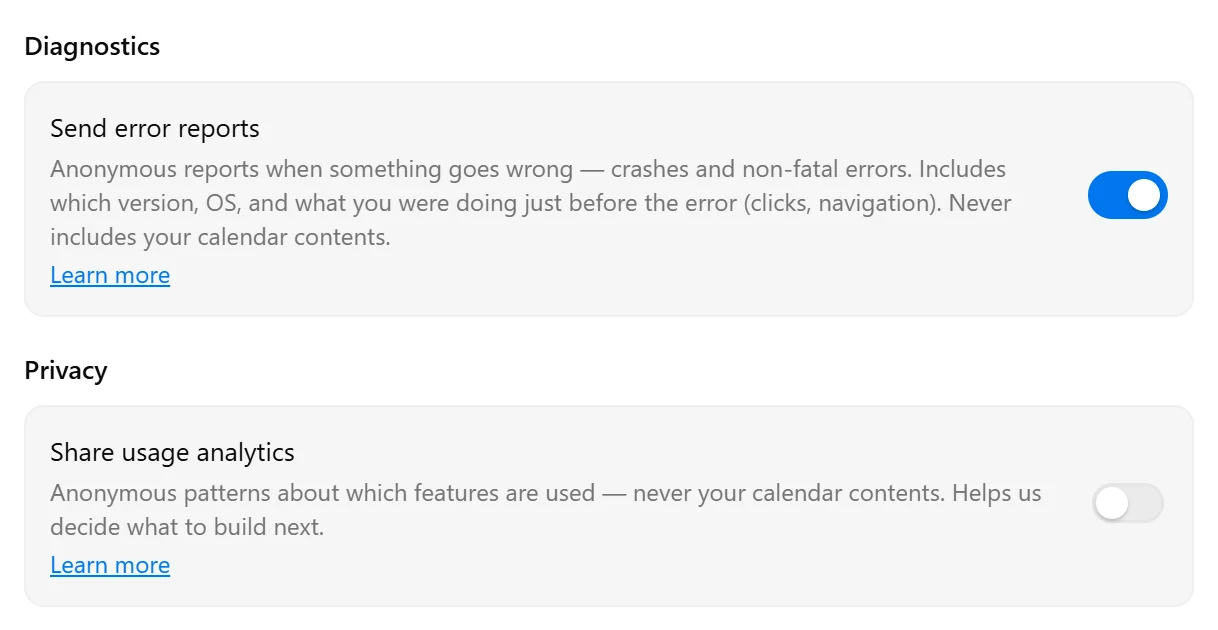
Error reports may include the application version, operating system, and actions performed immediately before the error, such as clicks and navigation. They never include your calendar contents.
Usage analytics show anonymous patterns about which features are used. This helps the Nodify team decide what to improve or build next. Usage analytics do not include your calendar contents.
Manage reporting preferences
Open Settings → General.
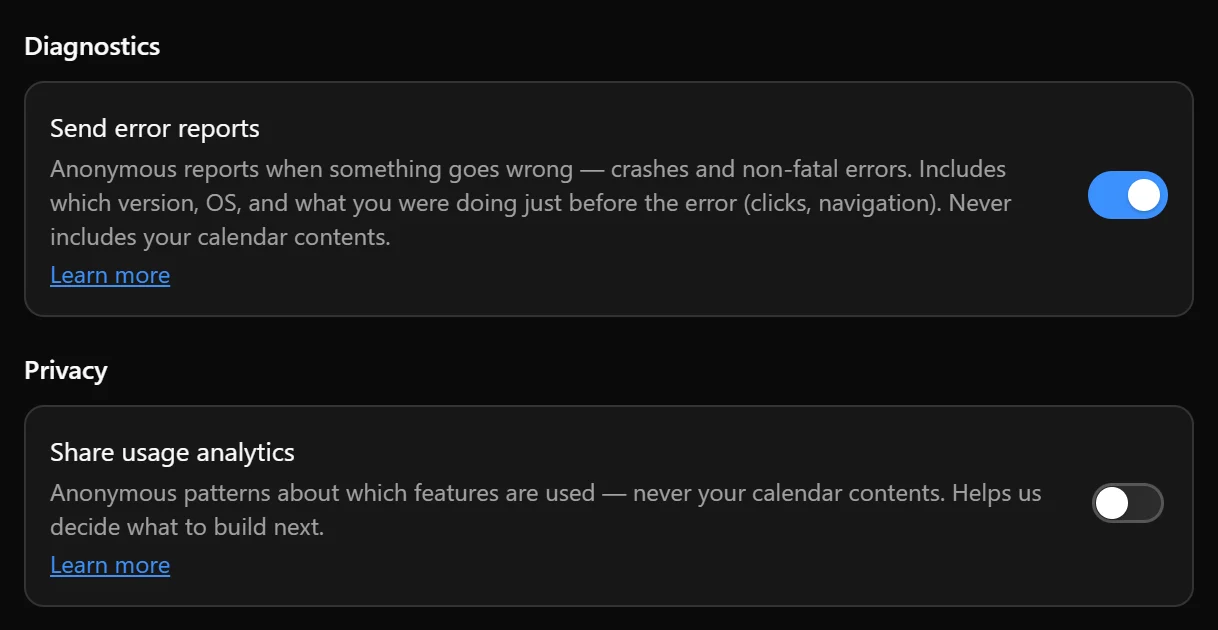
- Under Diagnostics, use Send error reports to enable or disable automatic error reporting.
- Under Privacy, use Share usage analytics to enable or disable usage analytics.
These options are independent. You can enable either one, both, or neither, and change your choices at any time.
Select Learn more beside either option for details about the information collected.
Send error logs manually
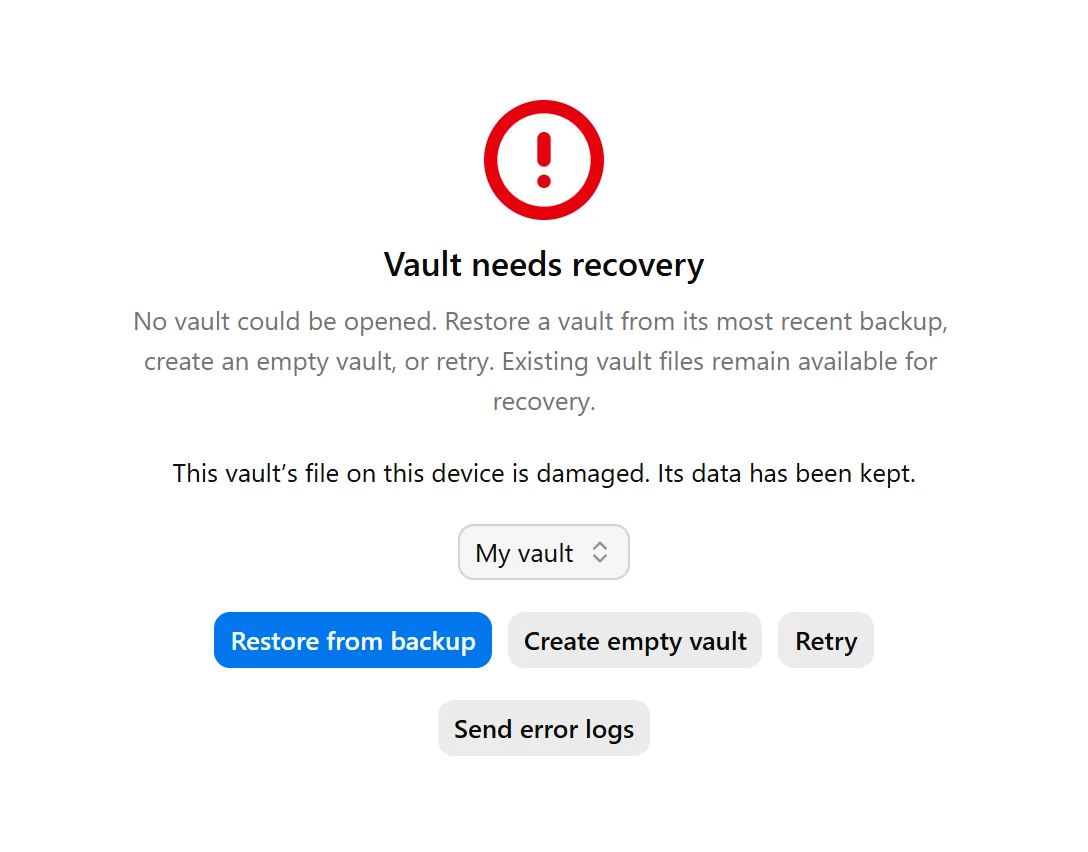
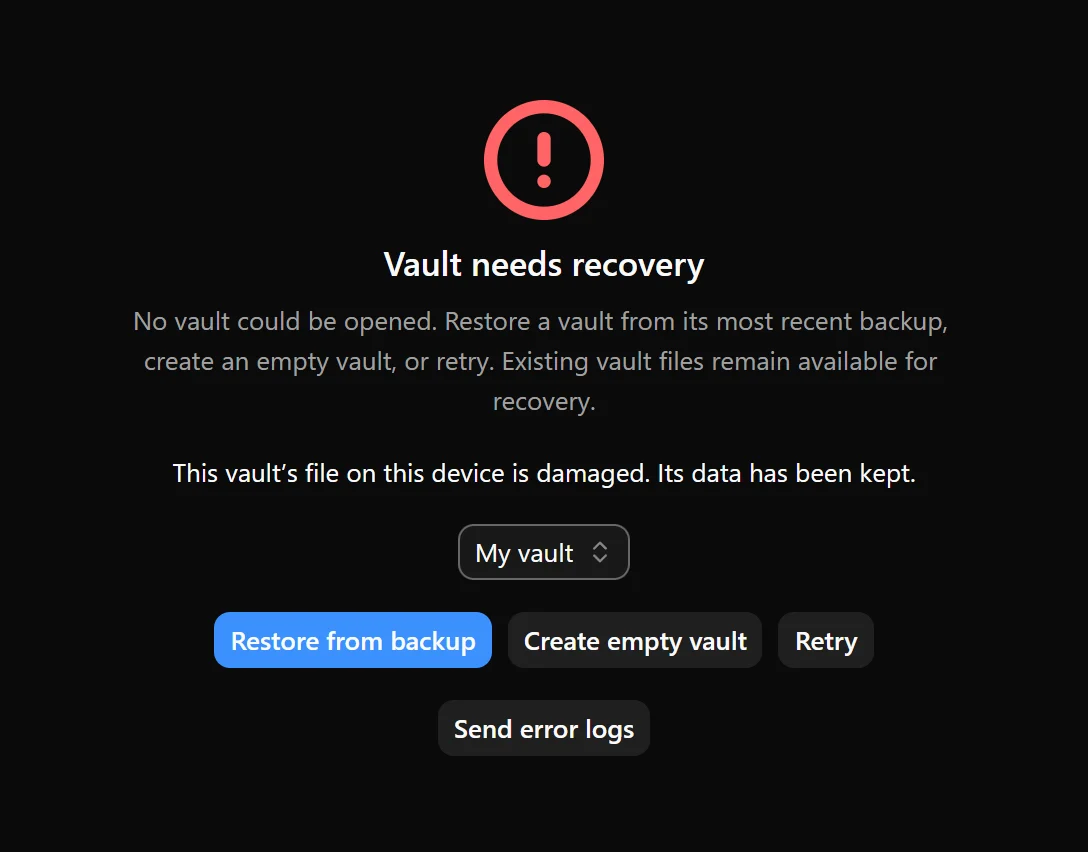
If Nodify Calendar cannot start or open your data, the recovery screen may display Send error logs.
Select this button to send a report for that specific error. This does not enable automatic error reporting for future errors.
An internet connection is required to send error reports.
Contact support
To send comments or report a problem from the application, select Give feedback in the left sidebar or the application menu. Enter your message, then select Submit.
Describe what happened, what you expected to happen, and the steps that caused the problem. If the issue affects a particular task, event, or schedule, include its relevant settings without adding private information.
You can also contact Nodify at contact@nodify.io.
If the application displays Send error logs, select it before contacting support. The error report may help identify the cause of the problem.
You can send feedback even when automatic error reports and usage analytics are disabled. Sending feedback, error reports, or an email requires an internet connection.
For help with a specific problem, see:
- Notifications — missing reminders, paused notifications, or notification permissions.
- Update Nodify Calendar — problems checking for or installing an update.
- Sync, backups, and recovery — syncing problems, vaults that cannot open, or recovering data.
- Scheduling warnings — tasks that autocomplete cannot schedule as planned.
Was this page helpful?
Your feedback helps us improve the docs.