
Settings
Appearance and formatting
This section explains how to change the app theme, regional settings, date and time formats, additional time zones, and the way task colors are displayed.
Theme
Open Settings, select Appearance, then choose System, Light, or Dark under Theme.
The System option follows your computer’s current appearance setting.
Region, calendar, and date and time formats
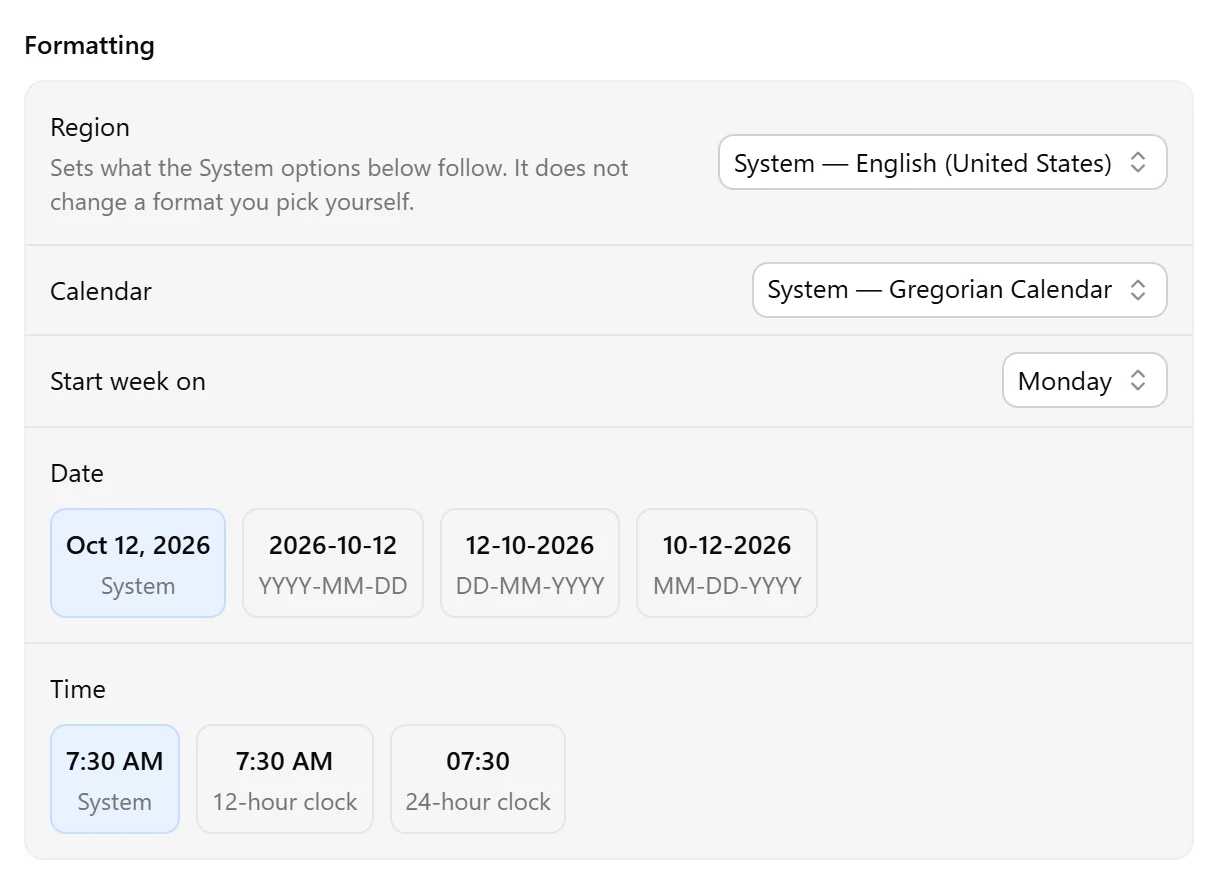
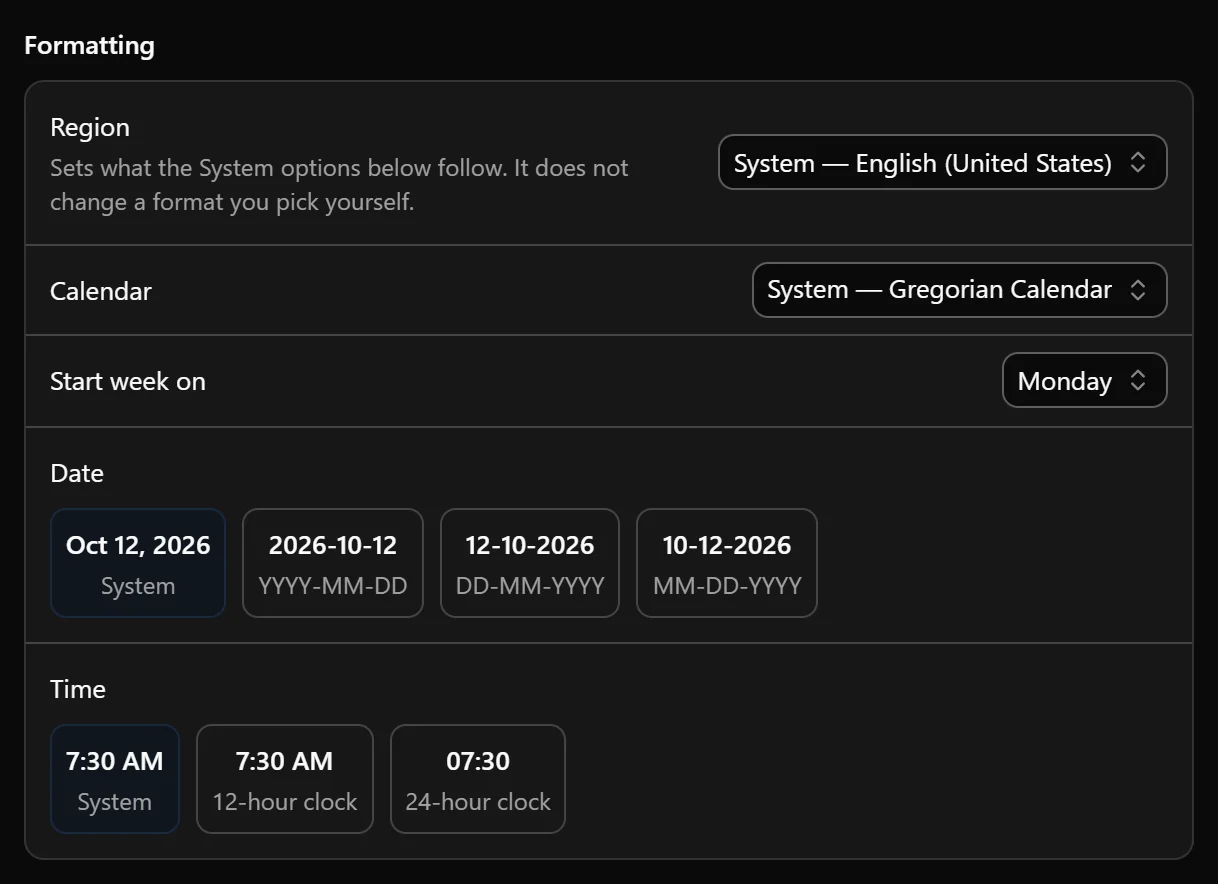
Open Settings → Appearance and find Formatting.
Region determines the defaults used by the System options below. You can follow your computer’s region or select another one. Changing the region does not override a calendar, first day of the week, or format you have chosen explicitly.
Use Calendar to choose the calendar system used to display dates. Use Start week on to choose the first day of the week. Leave either option set to System to use the selected region’s default.
For dates, you can use your system format or select:
- YYYY-MM-DD
- DD-MM-YYYY
- MM-DD-YYYY
For time, you can use your system format or select a 12-hour or 24-hour clock.
The format options show examples so you can see how dates and times will appear before choosing one.
Multiple time zones
The main time zone appears beside the calendar grid.
To display another time zone, select the + icon beside the time labels, then select Add timezone and choose a time zone.
You can reorder the displayed time zones or remove those you no longer need.
Task coloring
Under Color coding in Settings → Appearance, choose how completed tasks and task properties appear.
Completed tasks can keep their original color, become gray, or appear dimmer. Task properties can use colored or monotone indicators.
To learn how colors are assigned to individual tasks, see Task properties.
Was this page helpful?
Your feedback helps us improve the docs.